
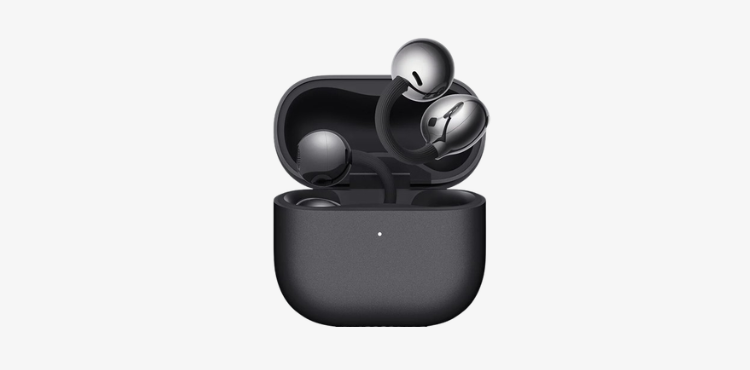
Resetting the Mi Earbuds is an important process that is done at this time. When there are connectivity issues, sound errors, or pairing issues. Resetting brings the earbuds back to their factory settings, which automatically resolves most technical glitches. If your earbuds are not connecting properly to the mobile or are disconnected repeatedly, a reset can be an effective solution.
The first step before resetting is to “Forget” the earbuds from the mobile device. For this, go to your phone’s Bluetooth settings, select your Mi Earbuds and use the option of “Forget Device” or “Unpair.” Then put the earbuds in the charging case so that they are completely off.
Now to reset, take both earbuds out of the case and hold down their touch sensor or button for about 10 to 15 seconds. During this time, the LED lights will start flashing, indicating that the earbuds are being reset. In some models, this process is also completed by pressing the button inside the case, so it is necessary to follow the procedure according to your model.
After the reset is complete, the earbuds are back in pairing mode. Now open your mobile’s Bluetooth settings and search for them again and connect. At this stage the connection usually becomes more stable and better, and the earlier problems are eliminated.
Finally, it is important to note that the reset method of each Mi Earbuds model may be slightly different, so if the problem persists, the user should refer to the instructions or user manual of their specific model. With regular use and proper handling, you can maintain the performance of your earbuds for a long time. https://whatisaudio.com/ronin-r-7010-earbuds-price-in-islamabad-pakistan-2026/